Robotic Glove
Interaction Design · Rehabilitation · UX Research
Interaction Design · Rehabilitation · UX Research
This project was developed in collaboration with Ph.D. Candidate Horace Yen (Queensland University of Technology), students from York University, and the Technische Hochschule Ingolstadt.
Integrating a robotic glove into a rehabilitation app required the creation of a seamless and motivating experience. The real challenge lay in designing an interface that responds naturally to the user’s movements, translating complex data into encouragement.
Through discussions with Dr. Dabitz, we identified the key activities that patients need to perform in order to recover fine motor control. Our findings emphasised personalisation, which involves adapting exercises to individual abilities and monitoring progress continuously.
We developed three personas to represent the user groups, such as a 50-year-old gardener and a 70-year-old cook. Each persona had unique motivations and pain points. We added a doctor persona to act as a guide and motivator, helping to bridge the gap between patients and their therapy progress.
Using Miro, our team mapped out the flow of screens and functions. We started with sketches and paper prototypes, iterating the layout and interaction patterns from an early stage.
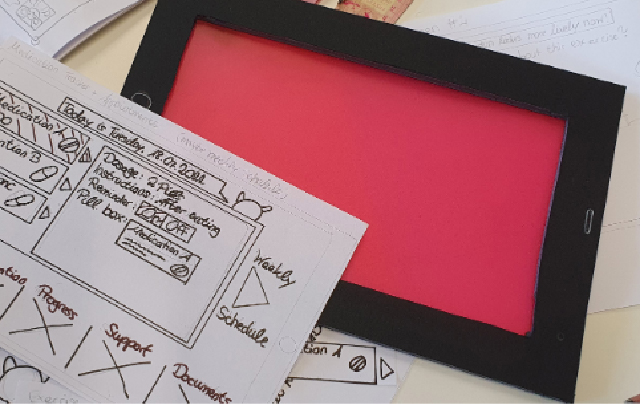
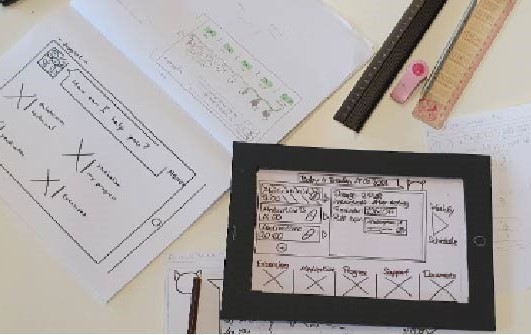
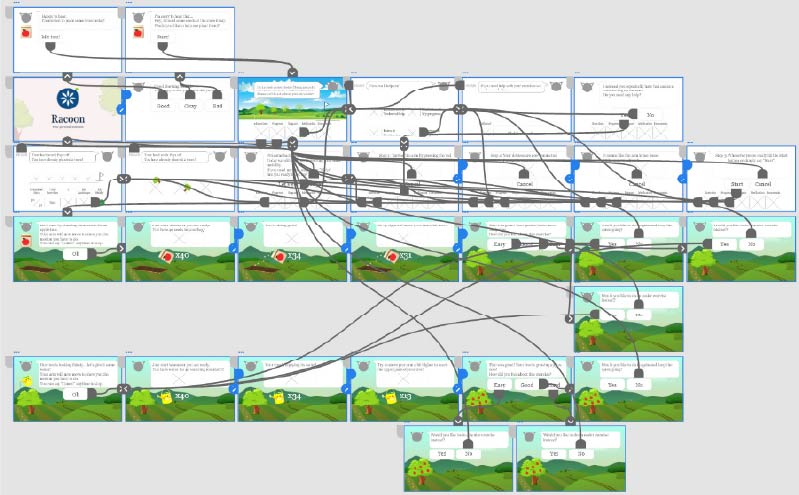
The digital wireframe, created using Adobe XD, simulated navigation through the entire app. This served as a test bed for information flow and interactive feedback before the final design was created.
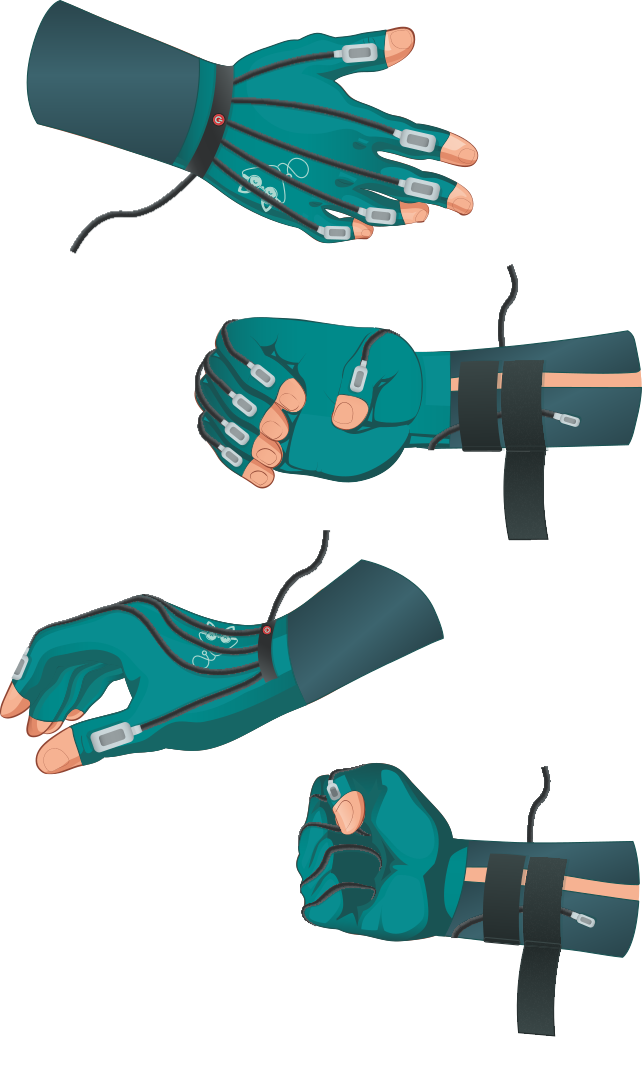
We created the wireframe in Adobe Illustrator, incorporating icons, colour and text. To illustrate how users would interact with the glove, I created a detailed usage diagram based on Horace Yen’s research.
In preparation for our short film, I created a storyboard using ibisPaint X, which served as a visual guide for motion planning and timing.
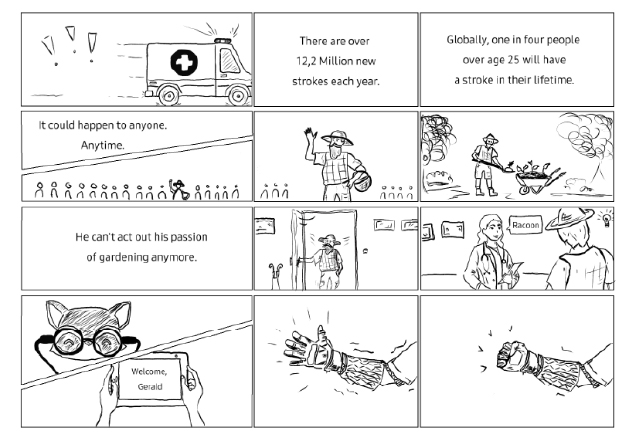
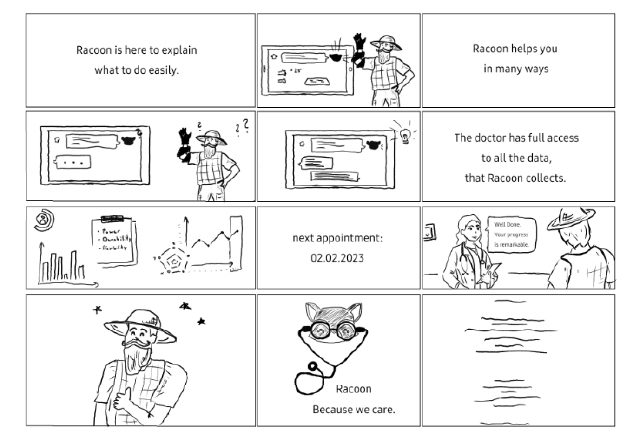
We created an animation of the concept using Adobe Animate and edited it in After Effects. The final three-minute video presented the complete user journey, from exercise setup to glove interaction.